About This Website
Since I’ve just set this website up, it’s probably good for me to write down the technical details of what I’ve done before I completely forget, perhaps for your benefit, but definitely for mine.
Infrastructure
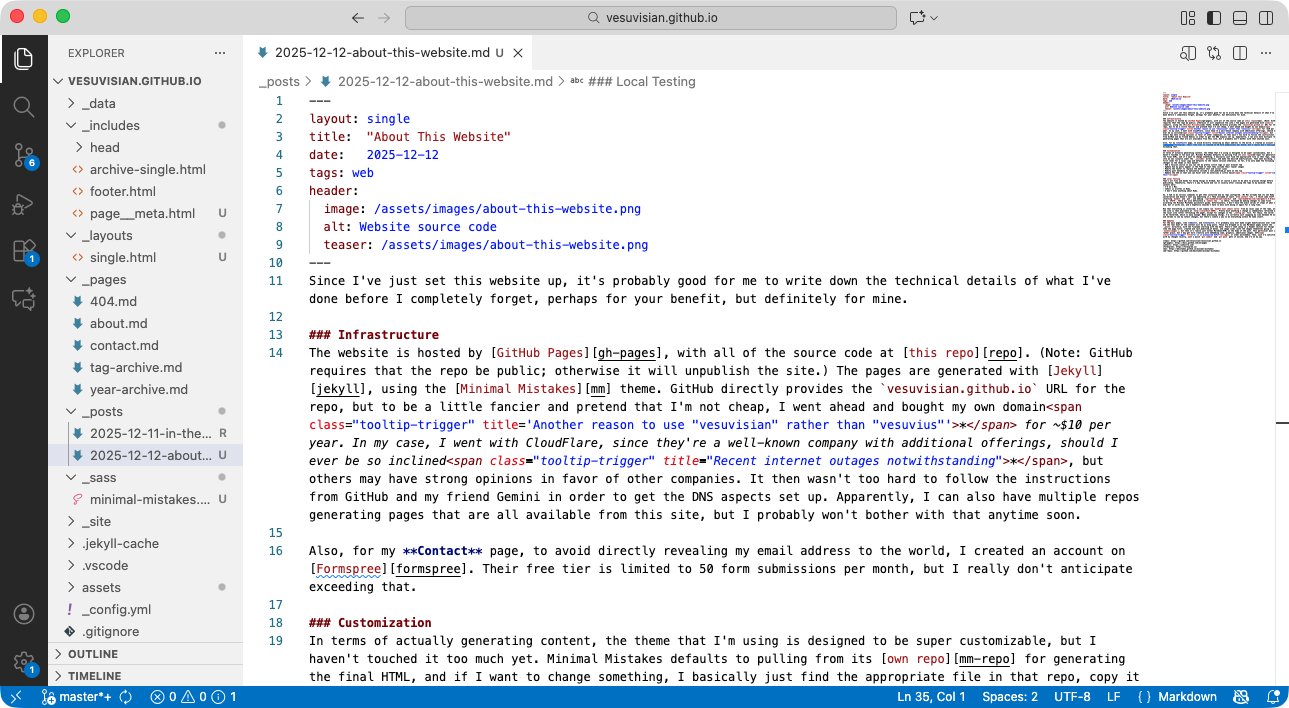
The website is hosted by GitHub Pages, with all of the source code at this repo. (Note: GitHub requires that the repo be public; otherwise it will unpublish the site.) The pages are generated with Jekyll, using the Minimal Mistakes theme. GitHub directly provides the vesuvisian.github.io URL for the repo, but to be a little fancier and pretend that I’m not cheap, I went ahead and bought my own domain* for ~$10 per year. In my case, I went with CloudFlare, since they’re a well-known company with additional offerings, should I ever be so inclined*, but others may have strong opinions in favor of other companies. It then wasn’t too hard to follow the instructions from GitHub and my friend Gemini in order to get the DNS aspects set up. Apparently, I can also have multiple repos generating pages that are all available from this site, but I probably won’t bother with that anytime soon.
Also, for my Contact page, to avoid directly revealing my email address to the world, I created an account on Formspree. Their free tier is limited to 50 form submissions per month, but I really don’t anticipate exceeding that.
Customization
In terms of actually generating content, the theme that I’m using is designed to be super customizable, but I haven’t touched it too much yet. Minimal Mistakes defaults to pulling from its own repo for generating the final HTML, and if I want to change something, I basically just find the appropriate file in that repo, copy it into my own (usually under the _includes directory), and make the desired modifications. Then when building, it first looks for a local copy and defaults to the remote version otherwise. So far, I’ve only made the following changes to the theme in this manner:
- Add a favicon source so you can see my pretty little logo in your browser tab
- Update how my posts appear in the feed so that they include their teaser images
- Modify the footer to replace the default text and social icons
- Modify post metadata to optionally include a last_modified_at date at the top
- Update the CSS so that you can hover over my asterisks a little easier*
Local Testing
That’s all fine and dandy for doing things on GitHub, but of course I want to be able to preview things before publishing. Thankfully, there’s a way to build and run it locally after cloning the repo to my machine. Three caveats here:
- I’m on a Mac.
- Jekyll is written in Ruby.
- I don’t know anything about Ruby.
So, I had to do various commands to get that installed and my repo configured. (My Mac already had its own Ruby installation and doesn’t want you modifying it.) They included at least brew install ruby, I think some stuff involving bundle and gem, and adding /opt/homebrew/opt/ruby/bin and /opt/homebrew/lib/ruby/gems/3.4.0/bin to my $PATH. There was also definitely a jekyll new . in there, followed by making changes to some files according the Minimal Mistakes quickstart guide. Unfortunately, I don’t have the exact series of steps of what I did, but it works now, and I hopefully shouldn’t have to mess with doing it again for a long time.
Now that everything is installed, I can simply run bundle exec jekyll serve from my local copy of the repo, and the site is then available at http://localhost:4000/. Pretty much anything I change is immediately reflected on the local site (after refreshing the page), except for changes in the _config.yml file. For those, the server has to be restarted, which is easy enough. When previewing things, I’m currently just swapping my view between VS Code and Chrome to see my latest changes, but there’s likely a way to do everything within VS Code itself.
Updates
For the main pages, like About, and Contact, I’ll probably only ever make slight modifications over time, and the real meat of the content will be as blog posts. Those are dropped in as new Markdown pages within the _posts directory, with the filename starting with the date. There’s some setup in a header section for things like the page title, created and last_modified_at dates, and image links (with the images themselves going in assets/images), but then it’s really just normal Markdown/HTML as the body of the post. This particular post is rather plain, but I may get more creative with embedding code, graphics, additional images, GIFs*, or other multimedia. Then, once I’m satisfied with my changes locally, just a quick git commit and git push gets it online, and I’m on my way.